Our new app and Skipton Online

It’s been designed to give you an even better digital experience. And this is only the beginning – over the coming months, we’ll be adding new features to make managing your accounts with Skipton even easier.

Help with our new app and Skipton Online

This page is for customers who have moved to our new app or new Skipton Online.

You’re in the right place if:

  • you already use our new app (Skipton by Invite)
  • your app and Skipton Online look like the examples shown

Using our existing app or Skipton Online? Get help with existing Skipton Online.

What you can do

Manage your accounts with our new app and Skipton Online, whether you’re at home or out and about.

Prefer using a mobile app? You can now register directly in our new Skipton app.
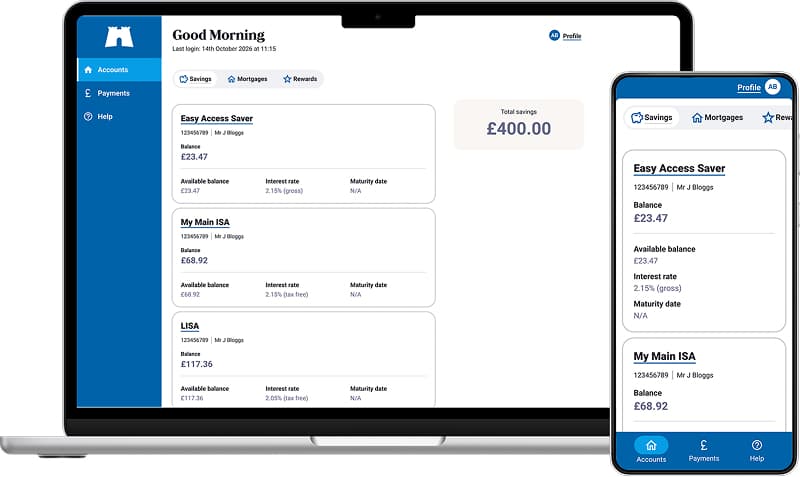
New Skipton Online and app

Manage your savings

Manage your savings easily with the app and Skipton Online.

  • view account balances
  • transfer funds
  • submit maturity instructions
  • open selected savings accounts.
Person using their mobile phone

Stay on top of your mortgage

Check your mortgage details online or in the app.

  • mortgage balance
  • payment details
  • remaining term
  • view early repayment charges and overpayment allowance.
Man smiling while typing on laptop.
information icon

information

Share your feedback

We'd love to hear what you think. Your feedback will help us improve the experience and shape what comes next. Send your thoughts to:

Frequently Asked Questions

Changes to Skipton Online

We have launched our new Skipton Online website that works alongside our new Skipton by Invite app.

It has a fresh new look and an updated security experience, designed to make managing your accounts online simpler while continuing to keep your information safe.

It gives you more choice over how you manage your accounts digitally, whether that’s online or through our app.

We understand that being asked to use a new website may feel unfamiliar.

We’ll never ask you to move to the new Skipton Online website by clicking a link in an unexpected email or text message.

To access Skipton Online safely, you can go directly to www.secure.skipton.co.uk or www.skipton.co.uk and select login.

Over the next few months, we’ll gradually invite members who use Skipton Online to our new service. Until then, you will see two options when you log in.

Currently, only members with access to our Skipton by Invite app can use it, by selecting ‘I use the new Skipton by Invite service’ to log in. If you

aren’t using our new app, select ‘I use Skipton Online’ to log in.

You can tell our two apps apart by their icon and name:

New Skipton app icon

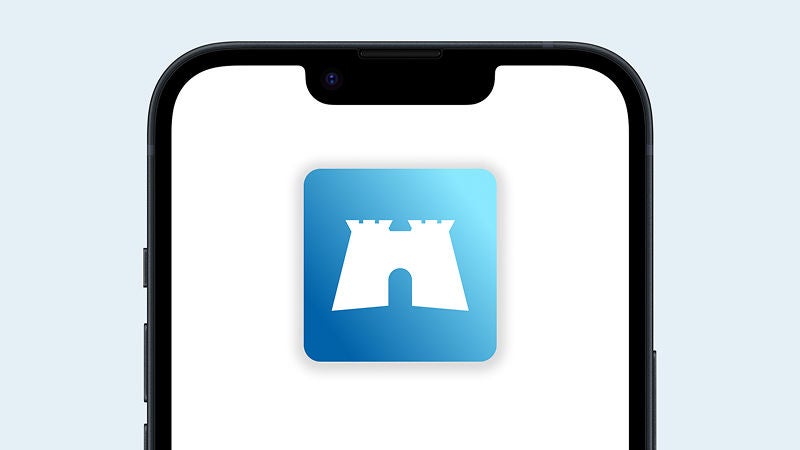
Our new app is called Skipton by Invite and has a white castle on a gradient blue background.

Existing app icon

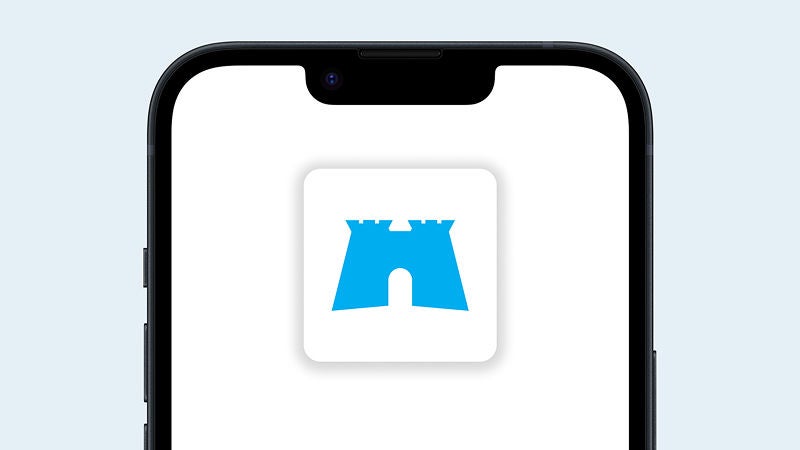
Our old Skipton app has a blue castle on a white background.

If you’ve successfully moved to our new Skipton by Invite app, you can delete the previous Skipton app from your device(s).

Yes. You’ll need an email address that’s unique to you and isn’t shared with anyone else. This helps keep your financial information private.

If you need to create a new email address, our useful guide will talk you through the steps you need to take.

Select ‘I use the new Skipton by Invite service’ and log in using the same email address and password you use for the new Skipton by Invite app.

If you have forgotten your password, you can reset it. Simply click on the ‘Forgotten your password?’ link on the login screen. Then follow the instructions.

We take online security very seriously and will still use two-factor authentication to provide an extra layer of security.

We’ve made the process simpler to improve your online experience. You’ll no longer need to use Secure Passcode in the app for making certain changes on Skipton Online. When you log in, you’ll:

  • Enter your email and password.
  • Choose whether to receive an email verification link or a one-time passcode by text.

For some activities, such as setting up a new nominated account for withdrawals, we will ask you to complete an additional security check.

Help logging in

You can only use this option if you have access to the Skipton by Invite app.

If you aren’t using our new app, go back and select ‘I use Skipton Online’ to log in.

Not sure which app you use? Check here for help.

If you’ve already moved to our new Skipton by Invite app, go back and select ‘I use the new Skipton by Invite service’ to log in.

Not sure which app you use? Check here for help.

If you haven’t moved to our Skipton by Invite app and have forgotten your password, you can reset it. Simply click on the 'Forgotten your password?' link on the login screen. Then follow the instructions.

If you are still unable to log in, please contact us.

If you have access to the Skipton by Invite app, you can use our new website. Select ‘Login’ on the top right corner of this page and choose ‘I use the new Skipton by Invite service’ to log in.

If you don’t yet have access to the Skipton by Invite app, you can continue to manage your account online. Select ‘Login’ on the top right corner of this page and choose ‘I use Skipton Online’ to log in.

Skipton by Invite app

The app has a new look and includes features shaped by members’ feedback. For example, you can view your statements and important documents directly in the app - meaning everything’s together in one secure place.

Yes, at certain points we may ask you to verify your identity in the new app. This extra security check helps us make sure it’s really you making any changes.

To do this securely, we use Entrust to carry out identity checks. It’s quick, secure and designed to keep you and your money safe.

If you don’t have a valid photo ID and need to reset your password, you can do this through our new Skipton Online website. Select ‘I use the new Skipton by invite service’ then ‘forgotten password’ and follow the instructions.

No, once you've moved to the new app you can't go back. Over the next few months, we’ll be moving all members who currently use our app across to the new one.

You can check and update them by logging into Skipton Online or by visiting your nearest branch.

If you have a mortgage with us, you can also call 0345 130 4741 to update your details.

This isn’t a feature of our new app, but you can contact us through web chat or by phone during our opening times. And of course, you can visit your nearest branch.

You can register up to three devices. If you add a fourth, the device registered longest ago will be removed automatically.

To remove a device, contact us.

Keeping you safe online

We take online security very seriously, so we use two-factor authentication. This means we rely on more than passwords and memorable information for some activities.