


Step 1 – Download the app
Download the Skipton by Invite app.
Open the app once it’s installed.
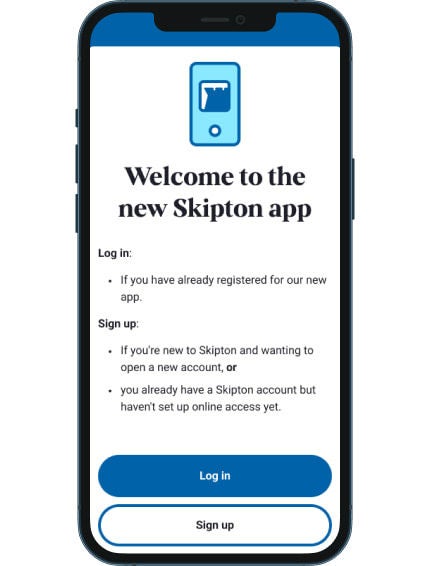
Step 2 – Select ‘Log in’
When you first open the app, you’ll have the option to login or sign up.
If you’ve already set up access to the new Skipton app, select ‘Log in’.
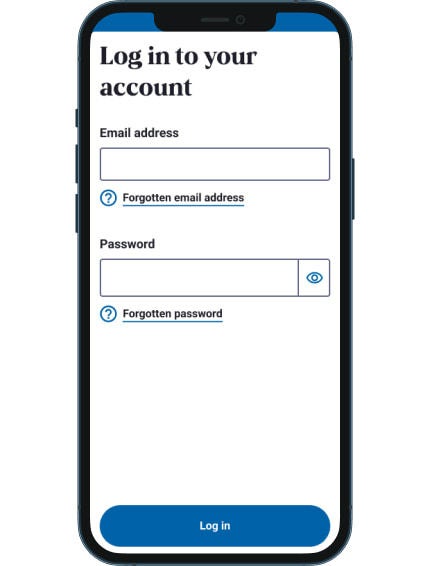
Step 3 – Enter your log in details
Enter your email address and password.
Then select ‘Log in’.
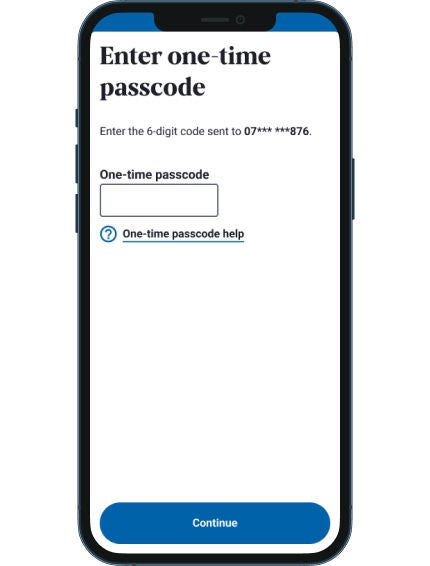
Step 4 – Confirm it’s you
We’ll ask you to confirm it’s you.
Enter a one-time passcode sent to your registered mobile number.
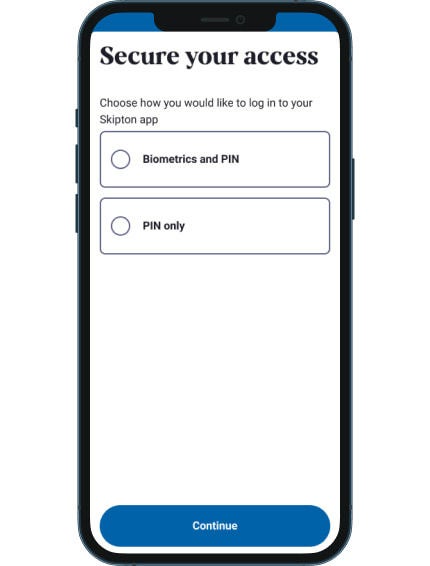
Step 5 – Set up how you’ll log in on this device
Once we’ve confirmed it’s you, you’ll be asked to create a PIN for the device.
You can also set up fingerprint or facial recognition, if your device supports it.
You’ll then be able to use your PIN or biometrics to log in more quickly in future.
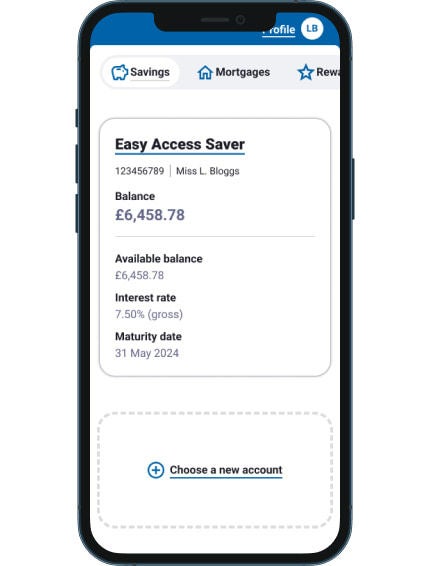
Step 6 – You’re ready to go
Once set up is complete, you’ll be able to view and manage your accounts in the app.